
HomeSim du lịcheSIM Cambodia
placeholder
Choose package
Data volume: 1GB + Không giới hạn 128kbps
Usage days: 3 day
ESIM

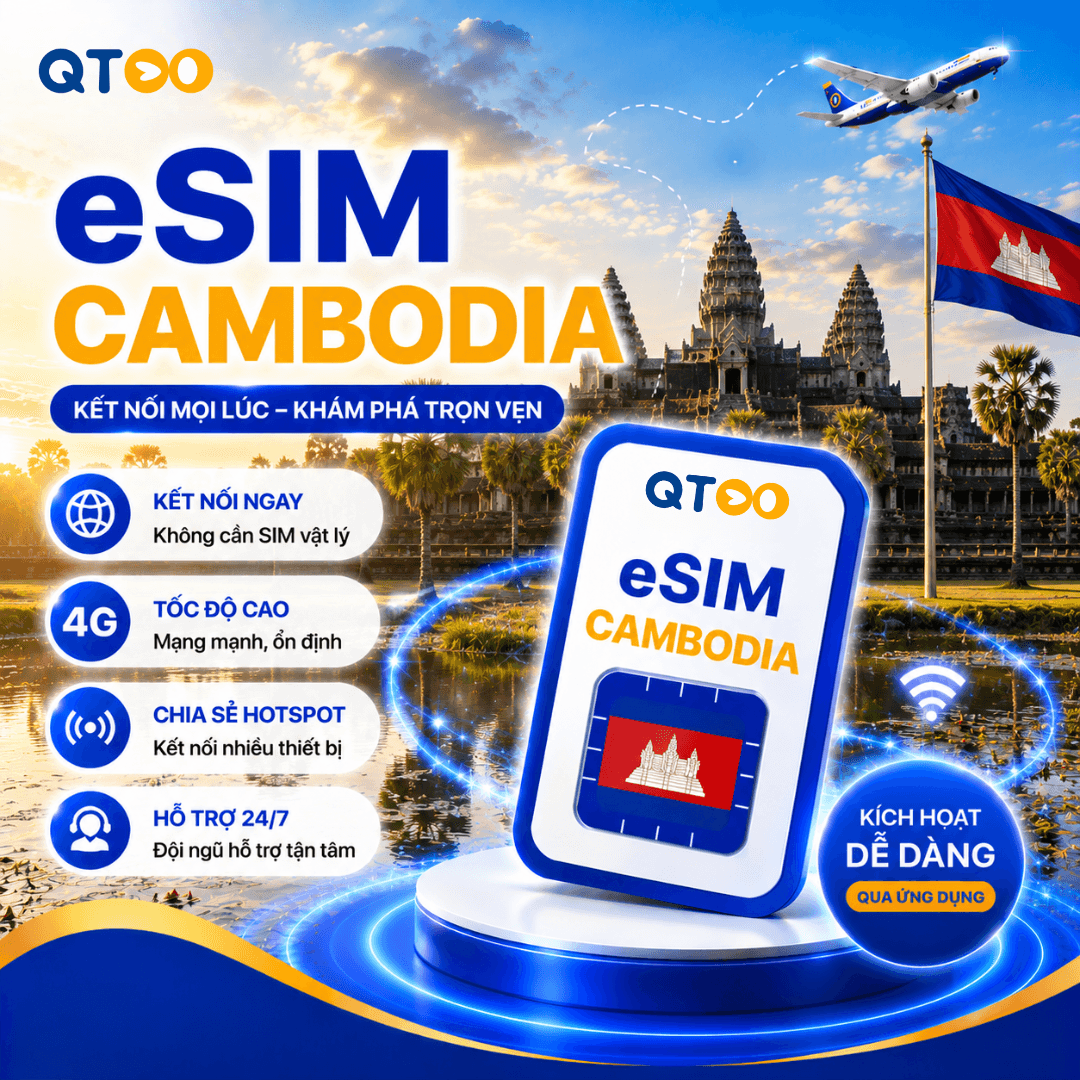
eSIM Cambodia

CountryCampuchia
CarrierSmart
Choose package
Data volume:1GB + Không giới hạn 128kbps
Usage days:3 day
Quantity
Total
200.430 ₫
Overview

eSIM Cambodia is suitable for travel and business trips that need data connectivity in Campuchia. After receiving the QR code, install it on an eSIM-compatible device and enable data roaming for the eSIM line.

Usage notes
Kiểm tra thiết bị có hỗ trợ eSIM trước khi mua. Không xóa eSIM sau khi cài đặt nếu chưa được hỗ trợ cấp lại. Gói eSIM Campuchia chủ yếu dùng data, không bao gồm nghe gọi/SMS truyền thống.
Package information
CountryCampuchia
CarrierSmart
Duration3 day
Data plan1GB + Không giới hạn 128kbps
HotspotCó hỗ trợ
Voice/SMSKhông bao gồm
KYCKhông yêu cầu
Thiết bịiPhone XS/XR trở lên, iPad hỗ trợ eSIM, Google Pixel hỗ trợ eSIM, Samsung Galaxy hỗ trợ eSIM
Kích hoạtCài đặt eSIM trước chuyến đi, chỉ bật line eSIM và roaming dữ liệu khi tới điểm đến.
Thời hạnThời hạn gói được tính từ thời điểm eSIM kết nối mạng tại quốc gia hỗ trợ.
Nhận eSIMNhận QR eSIM và thông tin cài đặt qua email/Zalo sau khi xác nhận gói.
Install guide

Install your eSIM via QR code or manually enter the SM-DP+ details from the guide email.

Set up the eSIM on a stable Wi-Fi connection before your trip, then enable the eSIM line and data roaming only after arrival.

IOS
Install on iOS
1
Open cellular settings
Go to Settings > Cellular > Add eSIM, then choose QR code.
2
Scan the eSIM QR
Scan the QR code sent after package confirmation and label the eSIM line for easy tracking.
3
Enable data on arrival
When you arrive in a supported country, enable the eSIM line, select it for mobile data, and turn on data roaming.
ANDROID
Install on Android
1
Open SIM manager
Go to Settings > Connections > SIM Manager or Mobile Network, then choose Add eSIM.
2
Scan or enter manually
Scan the eSIM QR code. If scanning fails, enter the SM-DP+ and activation code from the guide email.
3
Enable data roaming
Set the eSIM as your mobile data SIM, enable data roaming, and check APN settings if required.
FAQ
Does my phone support eSIM?
Please check the compatible device list or your device manufacturer information before purchasing.
When should I install the eSIM?
We recommend setting up the eSIM before your trip on a stable Wi-Fi connection. Only enable the eSIM line and data roaming after arrival.
Can I delete the eSIM after setup?
Do not delete the eSIM after setup unless reissue support is confirmed, because the QR code may not be reusable.
Can an activated eSIM be refunded?
Unactivated and unscanned eSIMs can be supported for changes or cancellation. Activated or used eSIMs are non-refundable.
Refund policy
Unactivated and unscanned eSIMs can be supported for changes or cancellation. Activated or used eSIMs are non-refundable.

Want to save up to 50% when booking hotels and flights?

Enter your email to receive the latest promotions!

Zalo
eSIM Campuchia eSIM du lịch quốc tế