

1
Open cellular settings
Go to Settings > Cellular > Add eSIM, then choose QR code.
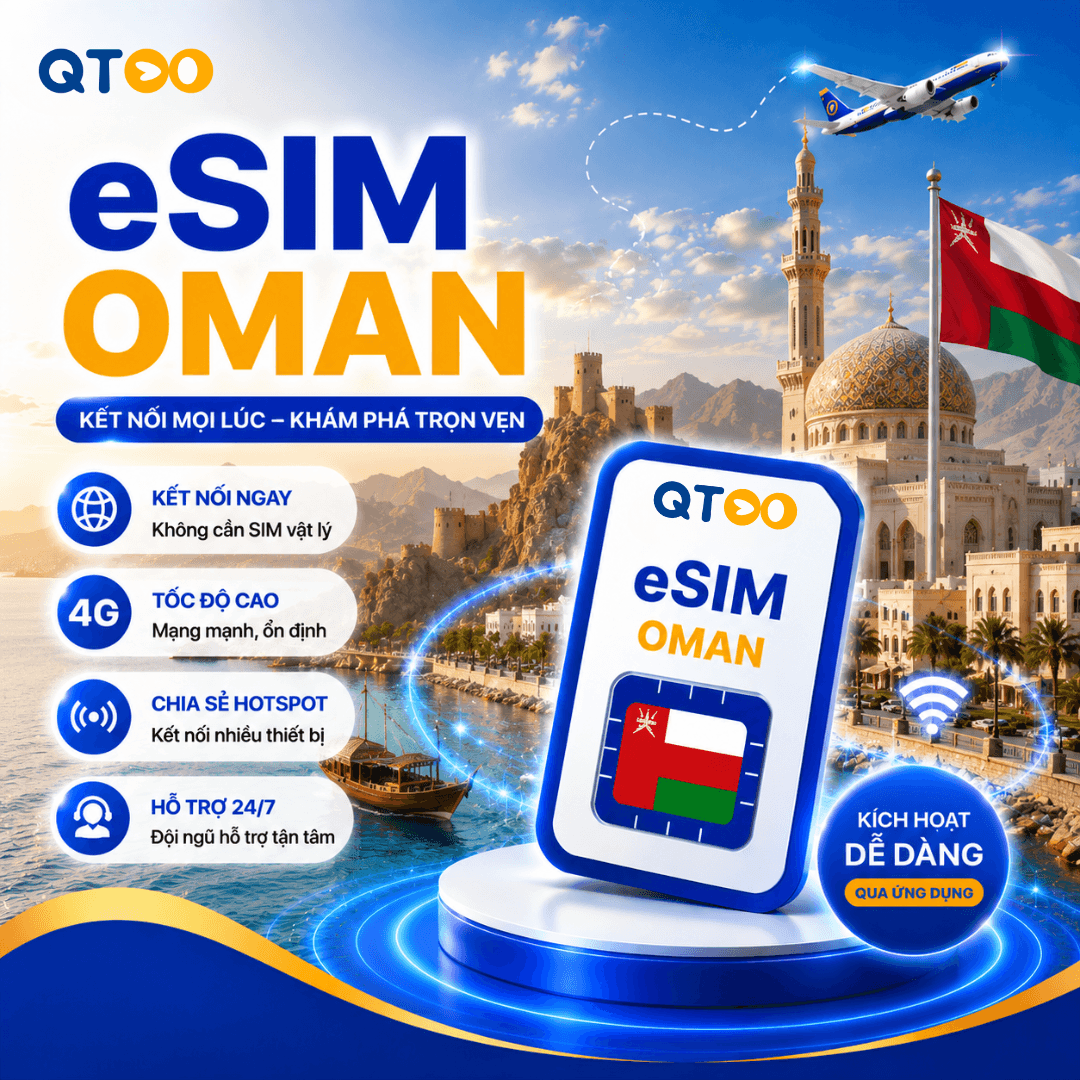
eSIM Oman is suitable for travel and business trips that need data connectivity in Oman. After receiving the QR code, install it on an eSIM-compatible device and enable data roaming for the eSIM line.
Install your eSIM via QR code or manually enter the SM-DP+ details from the guide email.
Set up the eSIM on a stable Wi-Fi connection before your trip, then enable the eSIM line and data roaming only after arrival.
Enter your email to receive the latest promotions!