

1
Open cellular settings
Go to Settings > Cellular > Add eSIM, then choose QR code.
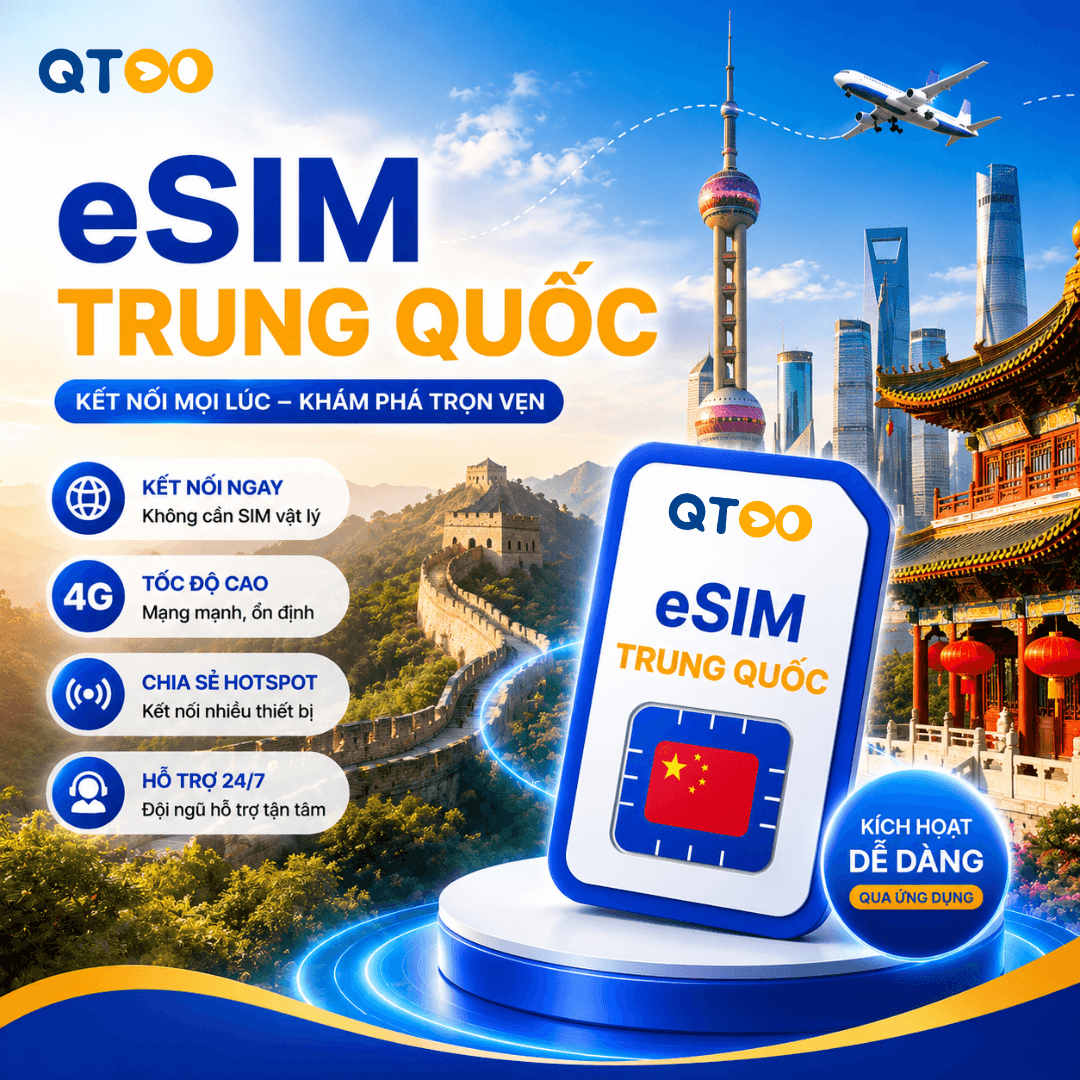
Gói eSIM Trung Quốc Mainland phù hợp cho khách du lịch và công tác cần kết nối data khi tới Trung Quốc Mainland. Sau khi nhận QR, khách cài đặt trên thiết bị hỗ trợ eSIM và bật roaming dữ liệu cho line eSIM.
Install your eSIM via QR code or manually enter the SM-DP+ details from the guide email.
Set up the eSIM on a stable Wi-Fi connection before your trip, then enable the eSIM line and data roaming only after arrival.
Enter your email to receive the latest promotions!